AI Photo Colorizer
Bring black-and-white photos to life with natural, AI-powered color.
Drop a black-and-white photo here
or choose one from your device to start colorizing
Photos are processed in your browser.
 Original Photo
Colorized Result
Give Every Memory a New Look
AI-powered colorization analyzes a black-and-white photograph and adds realistic, natural-looking colors to skin, clothing, skies and surroundings, so the people in your pictures feel more present.
Photo restoration can also improve the appearance of faded or aged images by refining tone and clarity, helping treasured pictures look more vivid and presentable.
- Natural-looking colorRealistic tones for portraits, clothing and scenery.
- Refreshed old photosImprove the look of faded and aged pictures.
- Simple online workflowUpload, preview and download in a few steps.
Powerful Photo Enhancement Features
Everything you need to colorize, refresh and download your old photographs in one place.
AI Photo Colorization
Add natural-looking colors to black-and-white photographs.
Old Photo Restoration
Improve the visual appearance of aged and faded photographs.
Portrait Enhancement
Enhance facial details while maintaining the original identity and appearance.
Color Detail Enhancement
Improve the overall color balance and visual presentation.
Image Quality Improvement
Help make old photographs look clearer and more presentable.
High-Quality Downloads
Download the processed image in a suitable image format.
See the Difference AI Can Make
Drag the handle to compare an original black-and-white photograph with its colorized result.
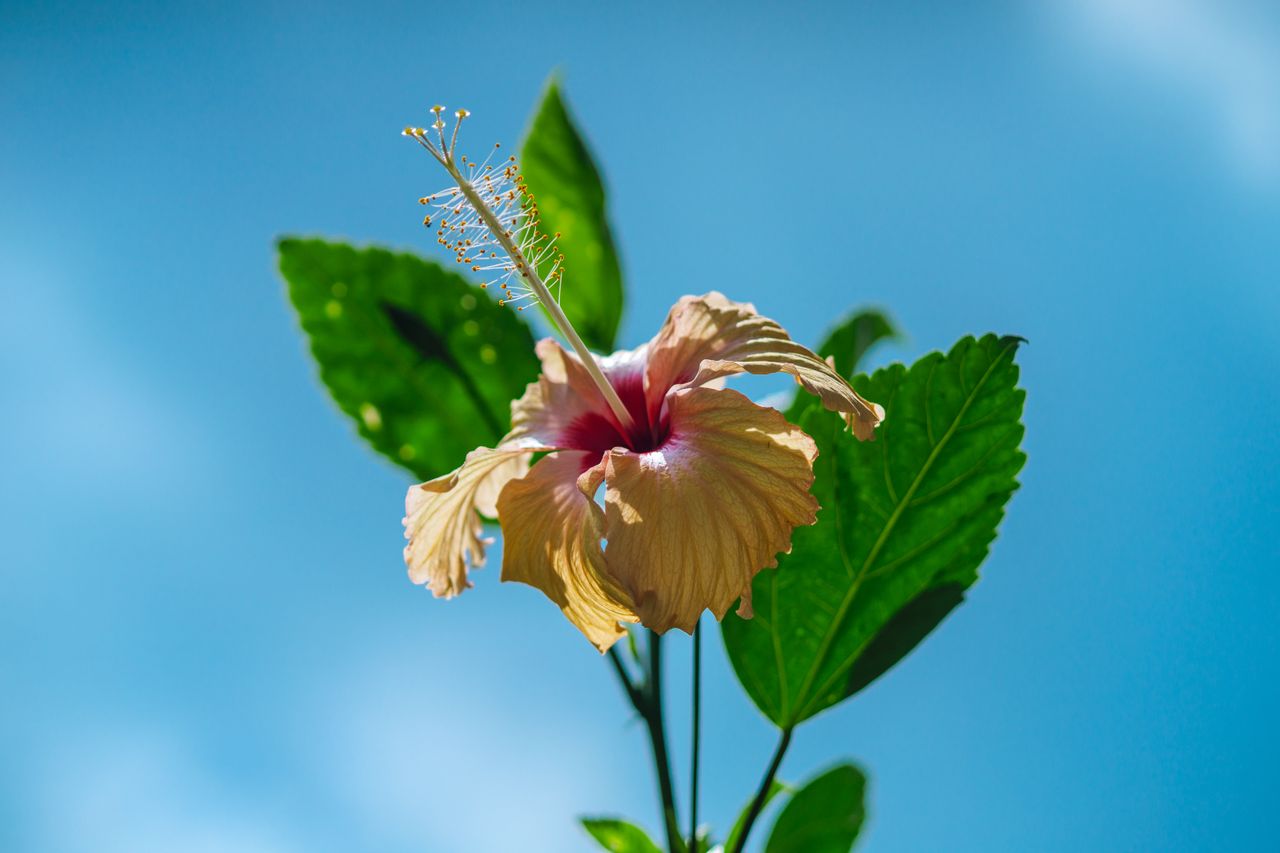
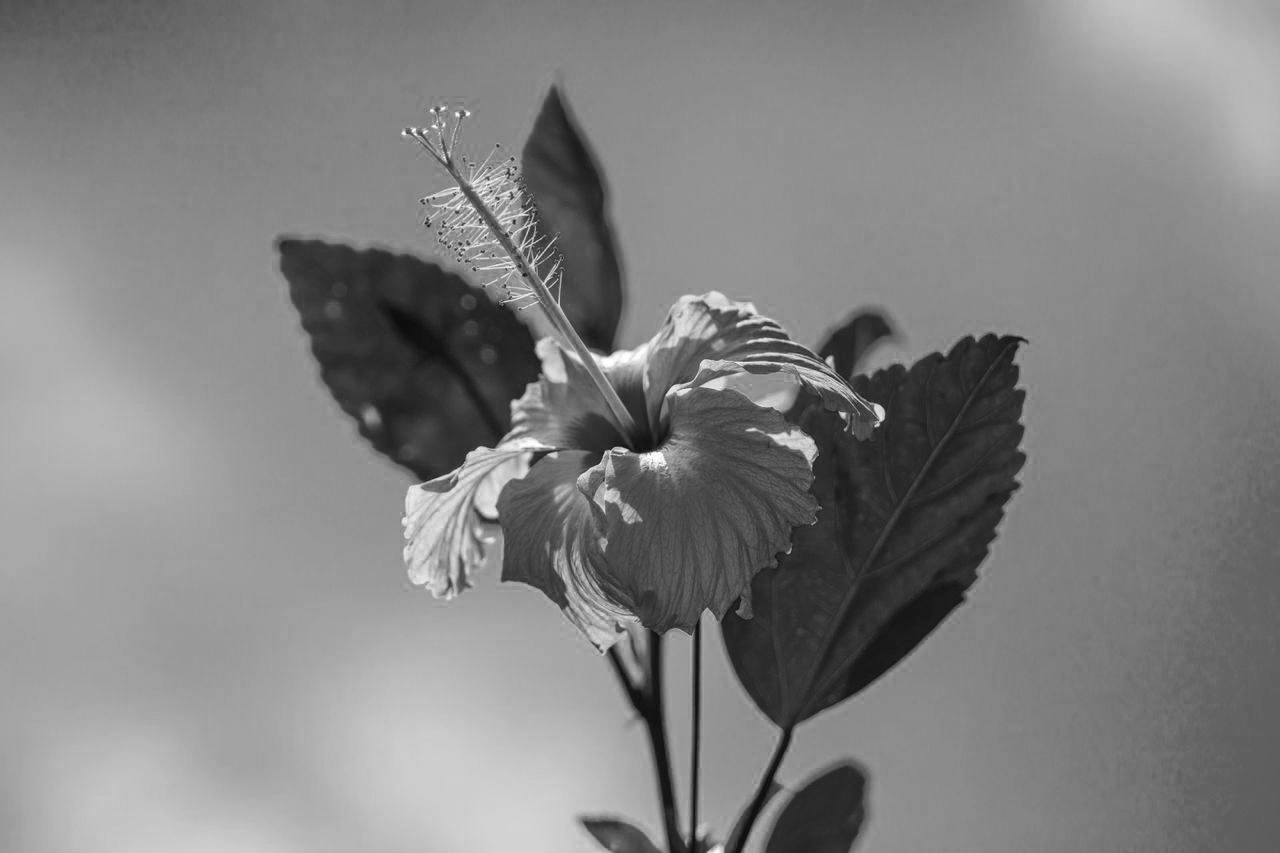 OriginalColorized
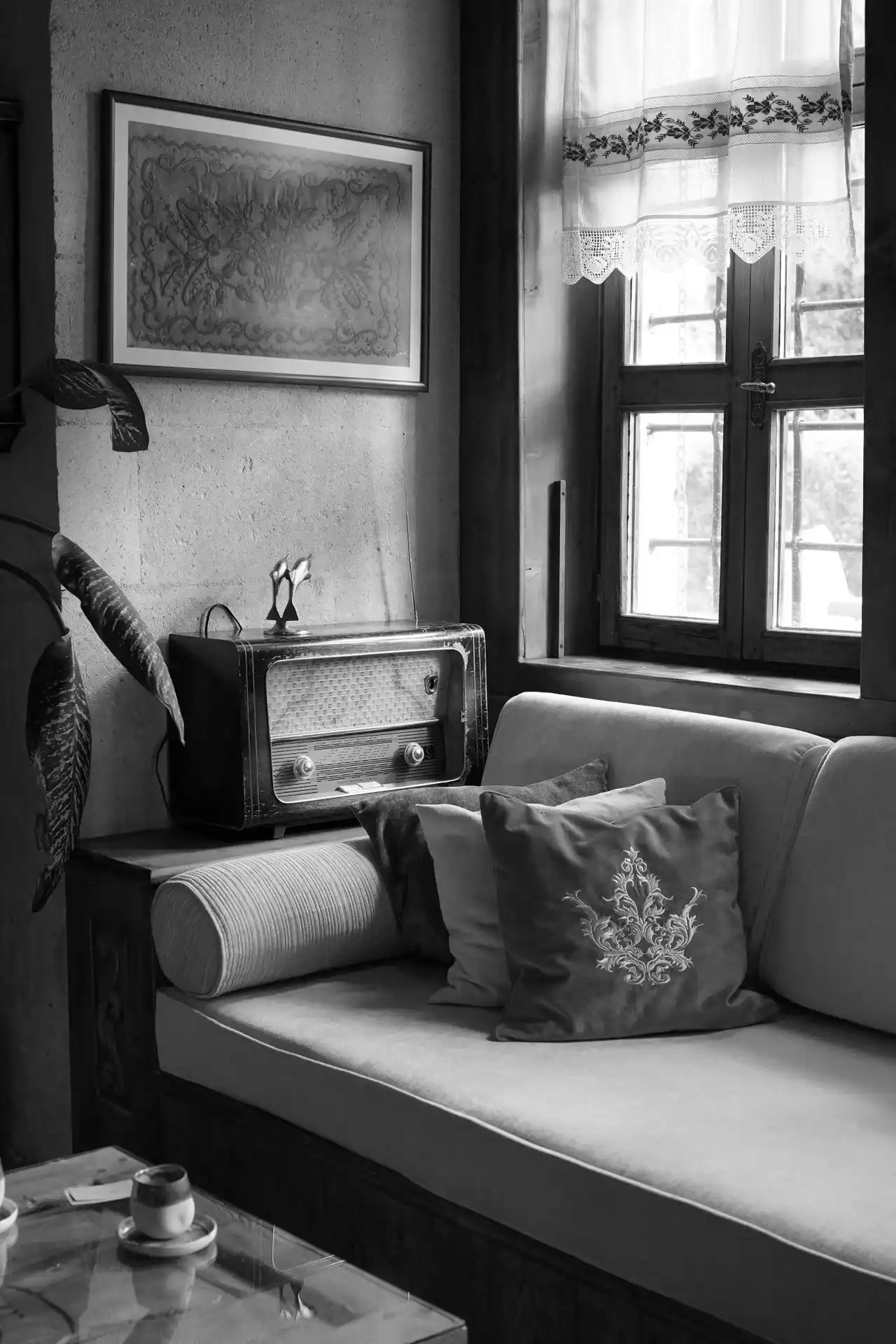 Original
 ColorizedOriginalColorized
 OriginalColorized
Three Steps to Better Photos
A simple online workflow from upload to download.
Upload Your Photo
Select and upload a black-and-white or old photograph from your device.
AI Processing
Let the AI-powered colorization process analyze the image and generate a colorized result.
Download Your Image
Preview the result and download the processed photograph.
More Than Just Colorization
Beyond adding color, AI-assisted enhancement can help old photographs look fresher, clearer and more natural.
Faded Photo Improvement
Bring back tone and contrast in washed-out pictures.
Old Portrait Enhancement
Refresh faces and details in aged portraits.
Visual Detail Refinement
Help fine details appear clearer and more defined.
Natural Color Appearance
Aim for believable, balanced color across the image.
Results depend on the condition and quality of each photograph. Severely damaged images may not be restored perfectly.
Made for Every Kind of Memory
From family albums to creative projects, give your photographs a refreshed look.

Family Memories
Improve the appearance of old family photographs.

Vintage Portraits
Add realistic colors to historical portraits.

Wedding Photographs
Give old wedding memories a refreshed appearance.

Historical Photography
Enhance the visual presentation of historical photographs.
Personal Archives
Improve photographs stored in personal collections.

Creative Projects
Prepare colorized images for personal and creative projects.
A Better Way to Enhance Old Photos
Skip complicated editing software. Upload a photograph and let AI do the heavy lifting.
- AI-Assisted ColorizationAutomated color suggestions for black-and-white images.
- Natural-Looking Color ResultsBalanced tones designed to feel believable.
- Easy Online WorkflowWork right in your browser, no installation needed.
- Convenient Image DownloadsSave your processed photograph when you are happy with it.
Original
Colorized
Loved by People Who Value Memories
What people may say about bringing their old photographs back to life.
I uploaded my grandparents' wedding portrait and the colors looked wonderfully natural. The whole family loved seeing it.
The process is simple: upload, wait a moment, preview and download. No editing skills needed at all.
Great for scanned prints from our family album. Faces looked clearer and the skin tones felt believable.
I used it for a history blog. The colorized street scenes made old archive images feel much more alive.
A thoughtful gift idea. I colorized a portrait of my mother as a young woman and framed it for her birthday.
I like that I could compare the original and the result side by side before deciding to download it.
Results depend on the scan, but when the photo was clear the colors came out surprisingly lifelike.
We digitized a box of old family prints over a weekend. Seeing great-grandma in color was unforgettable.
Handy for creative projects. I colorized vintage portraits for a scrapbook and they matched beautifully.
Clean, fast and easy to understand. It made a pile of old negatives feel brand new again.
Your Photos Deserve Privacy
Personal photographs are personal. Here is how image handling should work.
Secure Image Handling
Uploaded photographs should be handled through a secure processing workflow, from upload through to the finished result.
Privacy-Focused Processing
Image retention and deletion policies should be clearly communicated so you know what happens to your files.
User Image Control
You should have clear information about downloading and managing your processed images.
Photo Restoration Tips and Guides
Learn how to prepare, scan and enhance your old photographs.
Frequently Asked Questions
Quick answers about AI photo colorization, restoration and your images.
An AI photo colorizer is an online tool that adds color to black-and-white photographs using AI-powered image processing. The model analyzes shapes, textures and context in the image, such as faces, clothing, sky and foliage, and predicts colors that look natural for each area.
The result is a colorized version of your photograph that you can preview and download.
The process has three general steps. First, upload a black-and-white or old photograph from your device. Next, let the AI process the image and generate a colorized result. Finally, preview the result and download the processed image.
For the best outcome, start with the clearest scan or digital copy of the photograph that you have.
AI-assisted restoration can improve the visual appearance of many faded, damaged or low-quality photographs by refining tone, contrast and clarity. How much improvement you see depends on the condition of the original.
Heavily damaged photographs, with large missing areas for example, may not be restored perfectly.
The colorized output is a processed version of your photograph. It is created as a new image and is separate from the file you uploaded.
We still recommend keeping a copy of your original photograph or scan so you always have the untouched version.
Yes. Family portraits, group photographs and other personal pictures are well suited to AI-assisted colorization, and they are among the most common reasons people try it.
Clear faces and good lighting usually lead to more natural-looking results.
Black-and-white portraits can be processed to add color to skin, hair, clothing and backgrounds. Portraits tend to give strong results because faces provide a lot of useful visual information.
Image quality still matters: sharp, well-exposed, higher-resolution photographs generally produce better colorization than blurry or very dark ones.
Yes. After processing, you can preview the colorized photograph and download it to your device in a suitable image format.
The available output options, such as download quality, may vary depending on the plan you choose.
Scanned photographs can be processed, and scanning is a good way to digitize prints before colorizing them. Scratches, fading, creases and scan quality can all affect the final result.
Scanning at a reasonable resolution, in even light and without glare, usually gives the AI more detail to work with.
AI colorization is an interpretation, not a record of the original scene. The model predicts plausible colors, but it cannot know the exact shade of a dress, a car or a wall in the moment the photograph was taken.
The colors may therefore look natural without being historically accurate. If accuracy matters, compare the result with any known references.
Before uploading personal images, please review this website's actual privacy policy and image-retention terms. They explain how photographs are handled, how long they are kept and how you can manage them.
If anything is unclear, contact the site team before uploading photographs you consider sensitive.
Bring Your Old Photos Back to Life
Give your black-and-white photographs a refreshed appearance with AI-powered colorization and photo enhancement.