
Powerful Photo Enhancement Features
Colorize, refresh and download your old photographs with AI-powered tools designed to look natural and be simple to use.
Everything You Need in One Place
Six core features that help bring old black-and-white photographs back to life.
AI Photo Colorization
Add natural-looking colors to black-and-white photographs.
Old Photo Restoration
Improve the visual appearance of aged and faded photographs.
Portrait Enhancement
Enhance facial details while maintaining the original identity and appearance.
Color Detail Enhancement
Improve the overall color balance and visual presentation.
Image Quality Improvement
Help make old photographs look clearer and more presentable.
High-Quality Downloads
Download the processed image in a suitable image format.
See What Each Feature Does
A closer look at how the main features can improve your photographs.
Natural-Looking Colorization
The AI analyzes faces, clothing, skies and surroundings, then adds realistic colors to your black-and-white photograph.
- Balanced, believable color tones
- Works with portraits, groups and scenes
- Preview the result before downloading
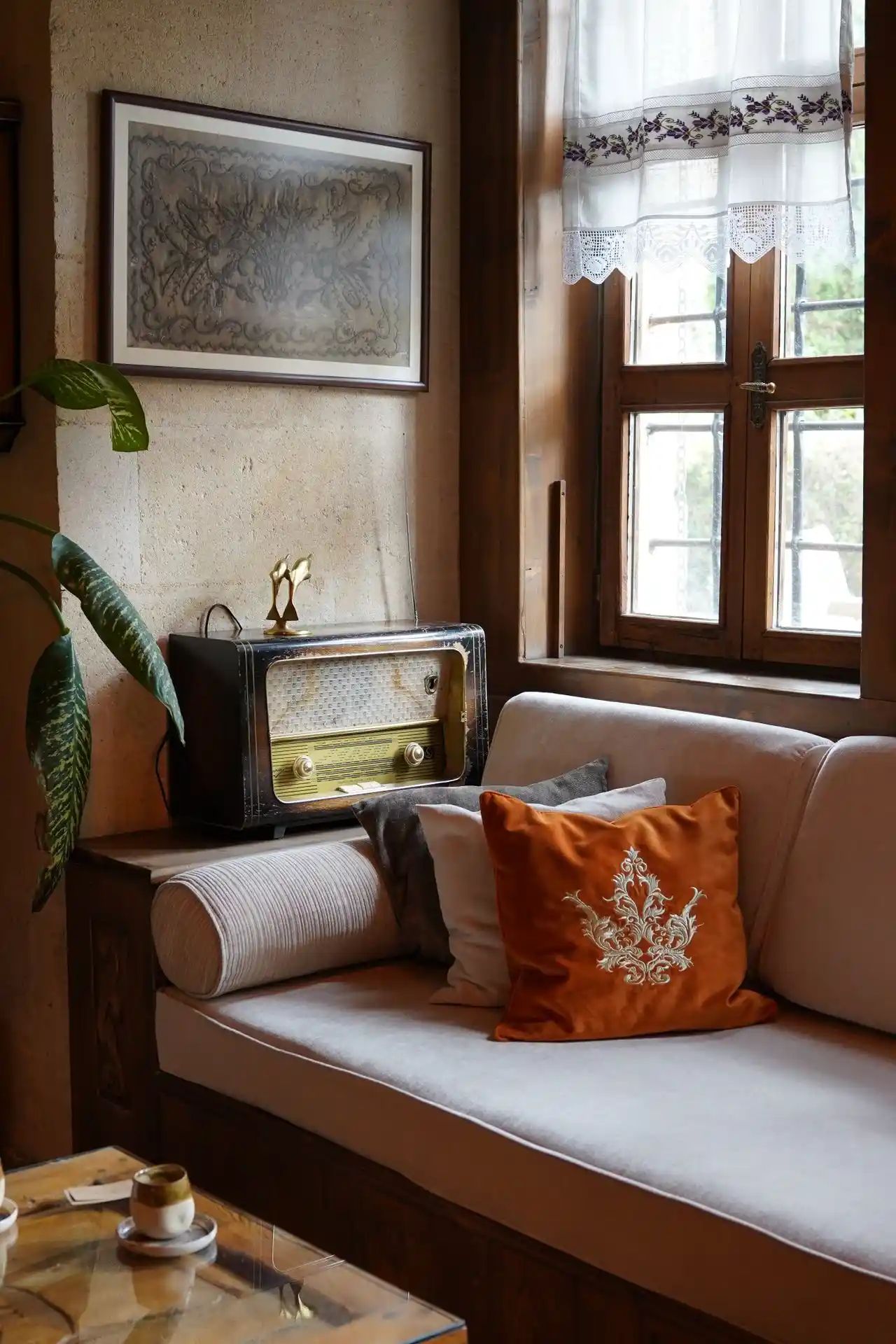 Colorized
Refresh Faded and Aged Photos
Photo restoration helps improve the appearance of faded or low-contrast images so details are easier to see.
- Helps improve tone and contrast
- Refines the look of visual details
- Results depend on the condition of the original
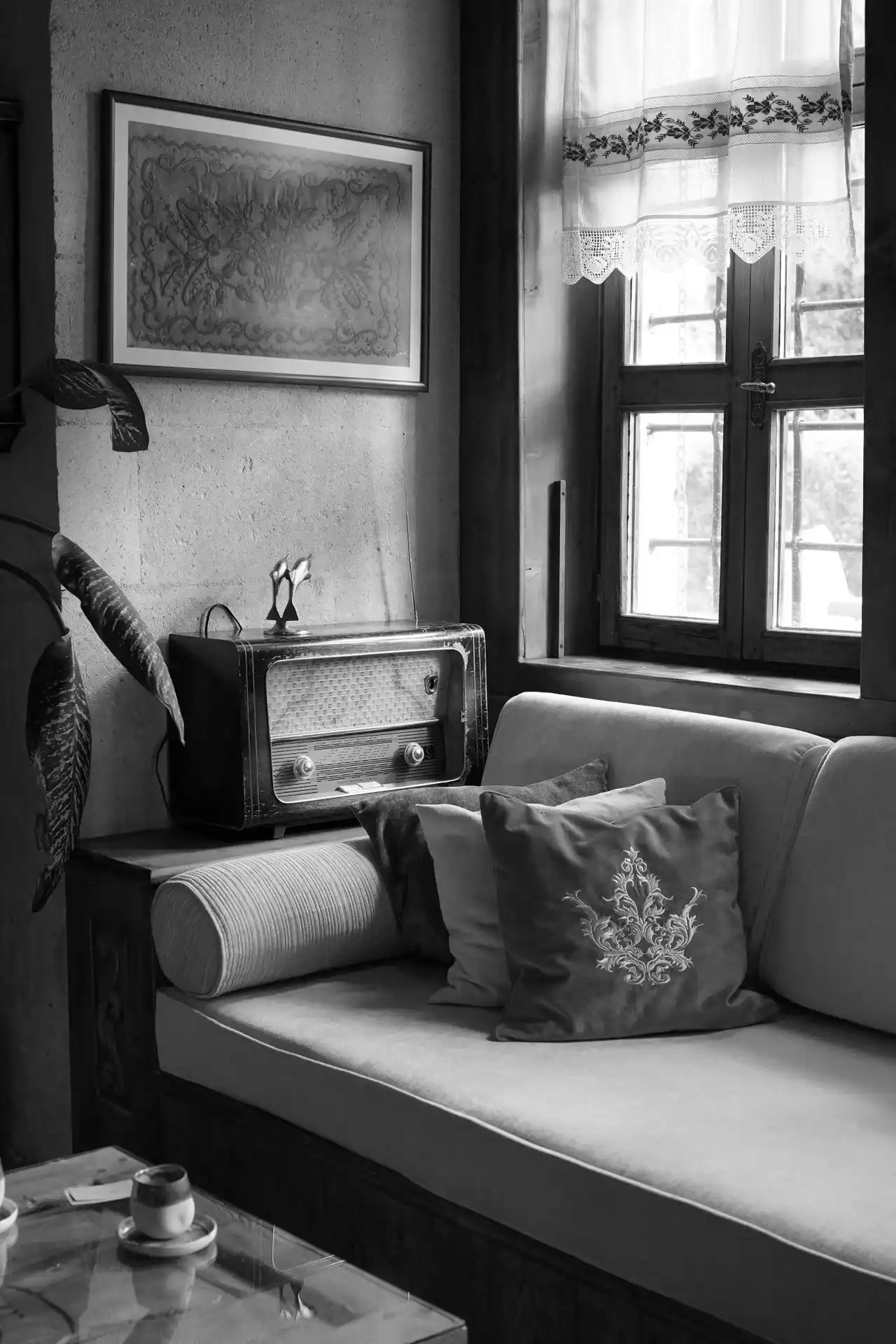 Original
Portrait Enhancement That Keeps Identity
Enhance facial details and color while keeping the person looking like themselves.
- Natural skin, hair and clothing colors
- Designed to preserve the original appearance
- Ideal for family and vintage portraits
 Portrait
Works With Your Photo Files
Upload your scanned or digital photograph in a common image format and download the processed result when you are ready.
- Scan old prints at a good resolution for best results
- Keep a copy of your original photograph
- Clear, well-exposed photos tend to colorize best
 Historical Photos
Three Steps to Better Photos
A simple online workflow from upload to download.
Upload Your Photo
Select and upload a black-and-white or old photograph from your device.
AI Processing
Let the AI-powered colorization process analyze the image and generate a colorized result.
Download Your Image
Preview the result and download the processed photograph.
Made for Every Kind of Memory
From family albums to creative projects.
Family Memories
Improve the appearance of old family photographs.
Vintage Portraits
Add realistic colors to historical portraits.
Wedding Photographs
Give old wedding memories a refreshed appearance.
Historical Photography
Enhance the visual presentation of historical photographs.
Personal Archives
Improve photographs stored in personal collections.
Creative Projects
Prepare colorized images for personal and creative projects.
Frequently Asked Questions
Quick answers about our photo enhancement features.
It adds color to black-and-white photographs and helps improve the appearance of old, faded or low-contrast images. You can then preview and download the result.
The tool is designed to enhance details while maintaining the original identity and appearance, but AI results are an interpretation, so always review the final image.
Restoration can improve the look of many faded or aged photographs. Severe damage, such as large missing areas, may not be fully repaired.
JPG, JPEG, PNG and WEBP images can be uploaded.
Yes. After processing you can preview the result and download it as an image file. Download options may vary by plan.
Try the Features on Your Own Photos
Upload a black-and-white photograph and see what AI colorization can do.